
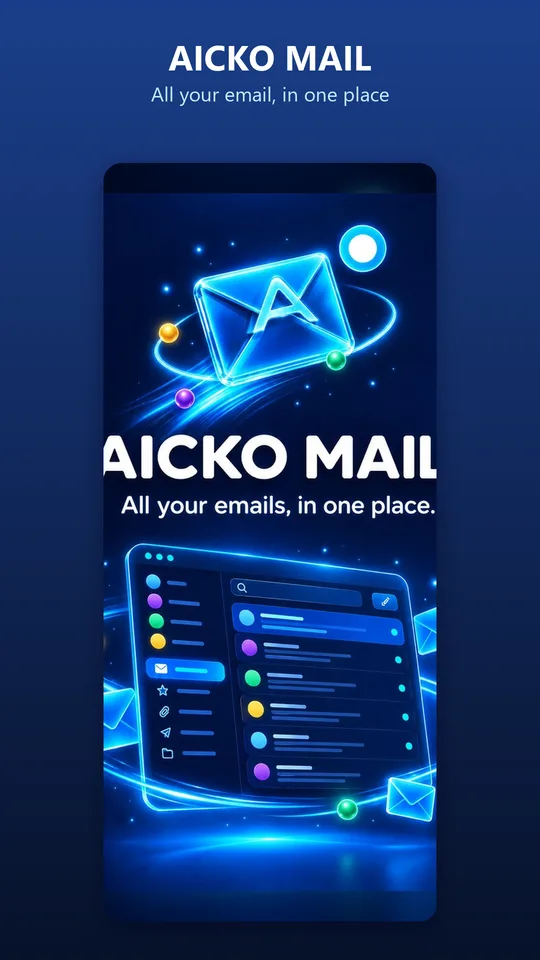
AICKO MAIL is an Android email client that combines several mail accounts into a single inbox and sorts messages by type. It uses no AICKO account, shows no ads and has no server between you and your provider.
Science classes teach students to record data carefully. The same care helps with the emails and files they send and receive: a report that arrives on time, with the right attachment, makes the work of a teacher easier and shows respect for the process.
Get AICKO MAIL
At a glance
- Platform: Android (Google Play)
- iPhone version: in preparation
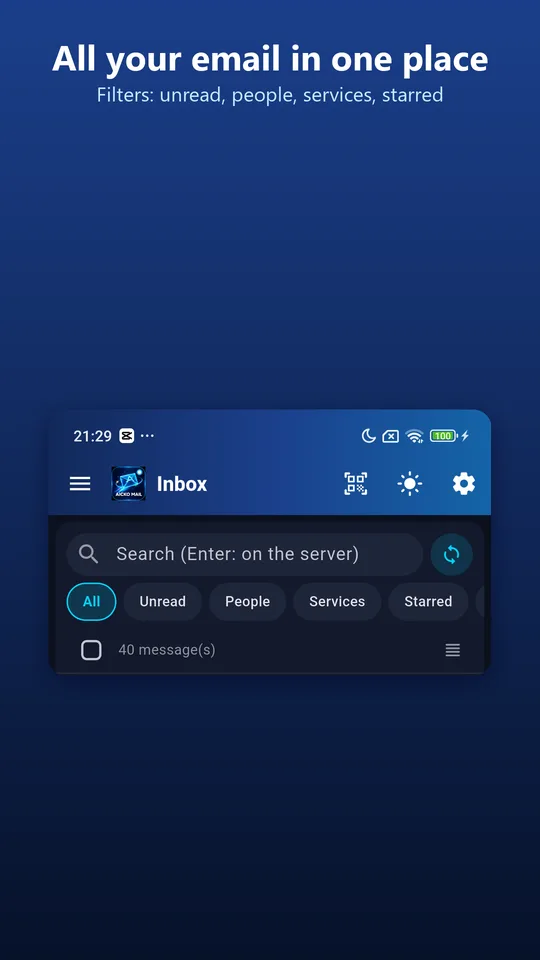
- Filters: unread, people, services, favorites, attachments
- Password storage: on the device only
- Windows sync: QR code, local and encrypted
- Interface languages: English and French
First steps
- Install AICKO MAIL from Google Play on an Android phone.
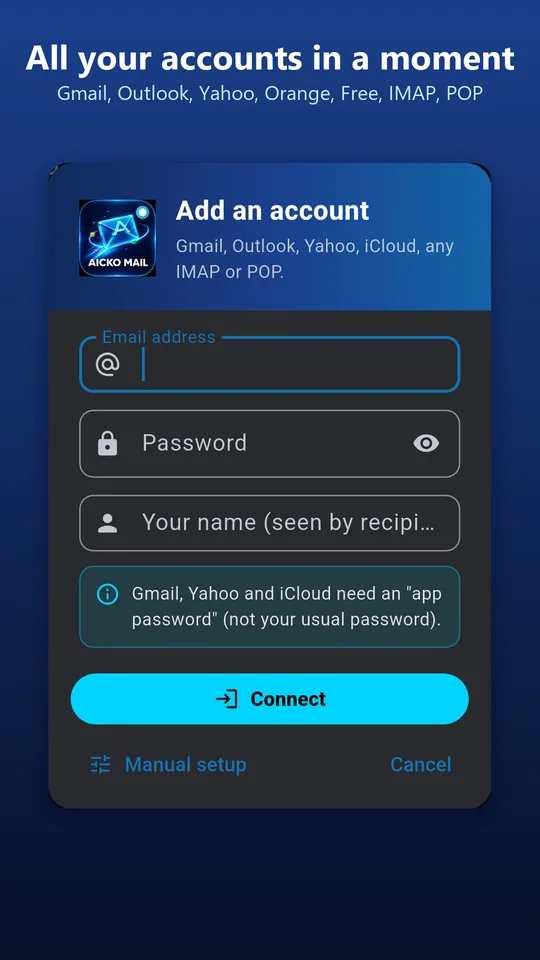
- Add your school address, then your personal one. Gmail, Outlook, Yahoo, iCloud, Orange and OVH are set up automatically, and other IMAP, POP and SMTP accounts can be entered by hand.
- Gmail, Yahoo and iCloud users need an app password from their provider.
- Assign a short name and a color to every account, as you would label a data series.
- Open the combined inbox and test the attachments filter.
What is inside this Android email client
- Filters for unread, people, services, favorites and attachments, plus search.
- Remote images blocked until you allow them, with a counter of trackers stopped per message.
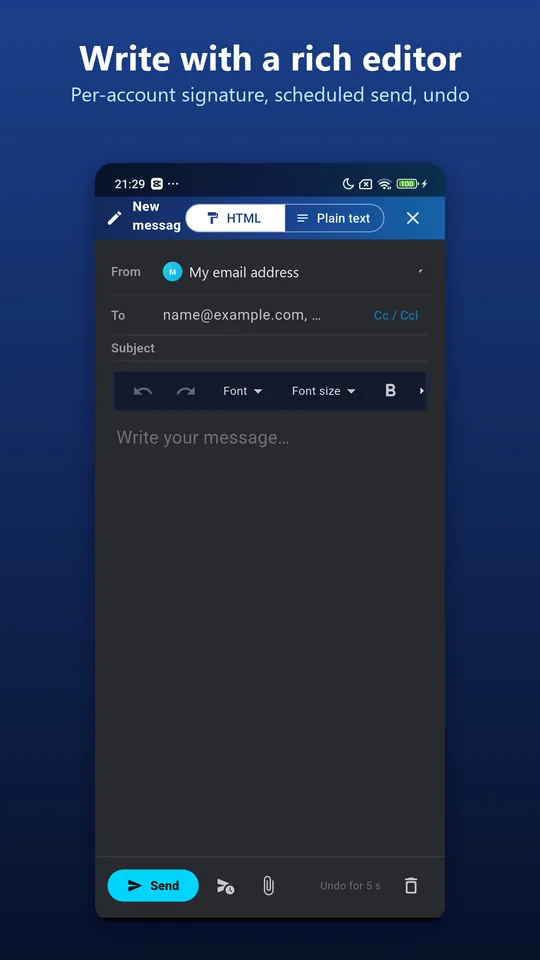
- A rich editor with lists, links, pictures and a separate signature for each account.
- Scheduled sending, an undo window and an alert when an attachment is missing.
- Passwords stored only on the device, in the system’s secure area.
- Day mode, night mode and optional notifications.
Who it is for
Students in physics and chemistry at middle or high school, from a first science class to AP Physics 1 or AP Chemistry. Teachers sometimes email protocols, data tables or report templates, and students send reports back as attachments. Parents may also follow along. The app suits anyone who must file documents precisely and answer on time.
How it connects to this site
On this site, AP Physics 1 worksheets and the science books provide the problems and explanations. Use the email app for the logistics around them: receive the assignment, keep the data table, send the finished report at the agreed time. Good lab habits include naming files clearly, and the attachment warning supports that discipline.
A short example: a student receives a protocol on Thursday, marks it as a favorite, writes up the results on Saturday, checks the attachment warning on Sunday and schedules the message for Monday at eight. Every step is a small habit that supports scientific rigour.
One more point of method: keep raw material and final reports apart. Use the favorites filter for the data you still need, and the attachments filter to check what has really been sent. Clear separation makes errors easier to spot, in a mailbox as in a notebook.
Tips
Use one color for the lab partner’s address and another for the school. Mark the next protocol as a favorite so it is easy to find before class. Schedule a report to arrive at the deadline instead of sending it at midnight. Reread the draft the next day, as you would recheck a calculation.
The interface is available in English and French. An iPhone version is in preparation. For desktop work, AICKO MAIL for Windows imports the same accounts through a QR code, locally and encrypted. Note that the app is only a mailbox: it does not calculate, grade or store lab data.
Frequently asked questions
What is a good Android email client for handling several accounts?
AICKO MAIL works with Gmail, Outlook, Yahoo, iCloud, Orange, OVH and every other IMAP, POP or SMTP provider. It offers a combined inbox, colored accounts, filters and no advertising, which keeps routine mail manageable.
How do I find all emails that have attachments?
Turn on the attachments filter in AICKO MAIL. The list then shows only messages with files, and you can add a search term such as a teacher's name or a chapter title to narrow it further.
How does an email client block tracking pixels?
AICKO MAIL does not load remote images by default, because tracking pixels are usually hidden images. A counter shows how many trackers it stopped in each message, and you can load images when you trust the sender.
Can I move my accounts from my phone to my computer?
Yes. The Windows program AICKO MAIL shows a QR code that you scan with the Android app. Settings are encrypted with AES-256-GCM and transferred locally, without any intermediate server.
